Shot planning
How to Build a Shot List for a 30-Second Video
A thirty-second video needs fewer shots than most people expect, but every one of them has a job. Here is how to write them down.
In this guide
Start from the beats, not the shots
The most common mistake in a first shot list is writing camera angles before deciding what the video has to say. Angles are quick to imagine and hard to order, so the list becomes a pile of attractive fragments with no sequence.
Write the promise of the video in one sentence first. Then split it into beats: an opening that earns attention, a setup that gives context, a demonstration that shows the point, and a payoff with a clear closing action. Four to six beats comfortably fills thirty seconds.
The six columns that matter
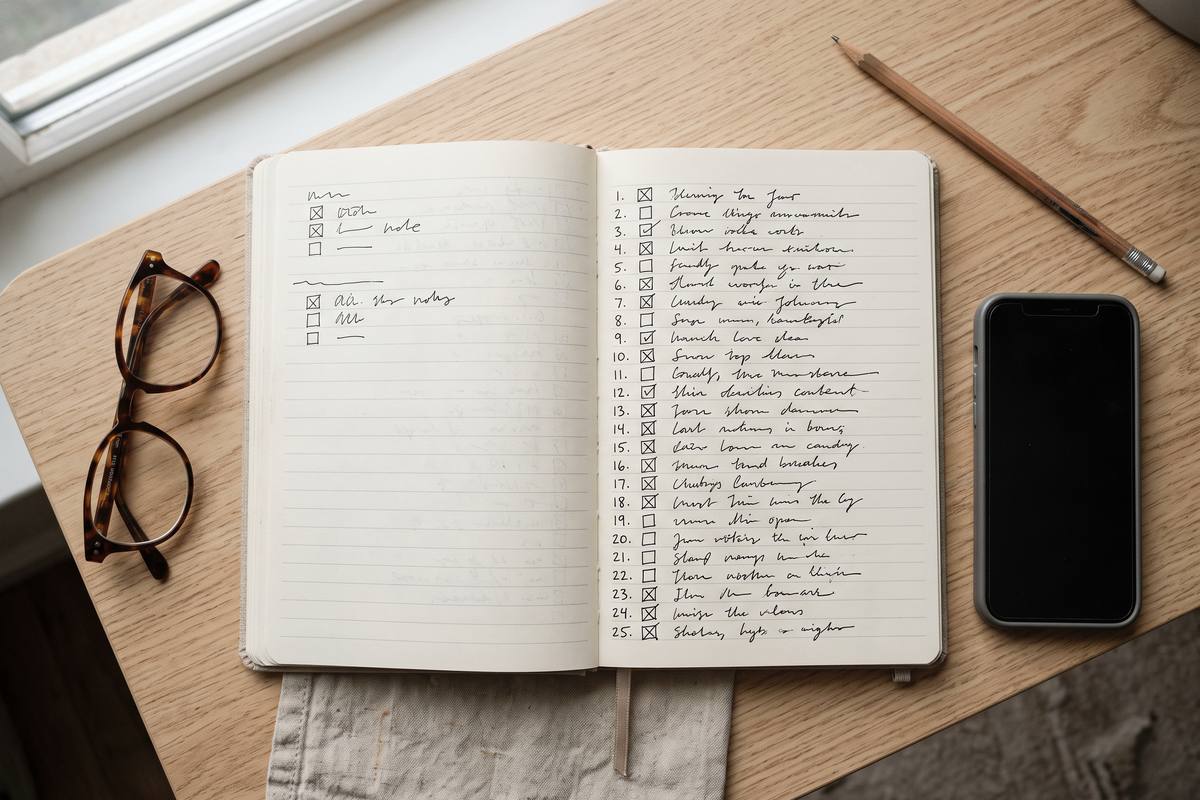
A shot list is a working document, so it needs to be readable while someone is holding a phone and watching the light. Six columns do the work: number, beat, shot description, framing, movement and notes.
Print it or keep it on a second screen. The moment you have to scroll through an app to remember which shot comes next, the list has stopped helping. A single page, numbered, is faster than any software on a shoot day.
- Number: used to talk about the edit while still on location
- Beat: which part of the story the shot serves
- Shot: one sentence describing action and content
- Framing: wide, medium, detail or macro, plus height
- Movement: static, pan, push, follow or handheld
- Notes: props, dialogue, light direction, alt take
Coverage: giving the edit something to cut with
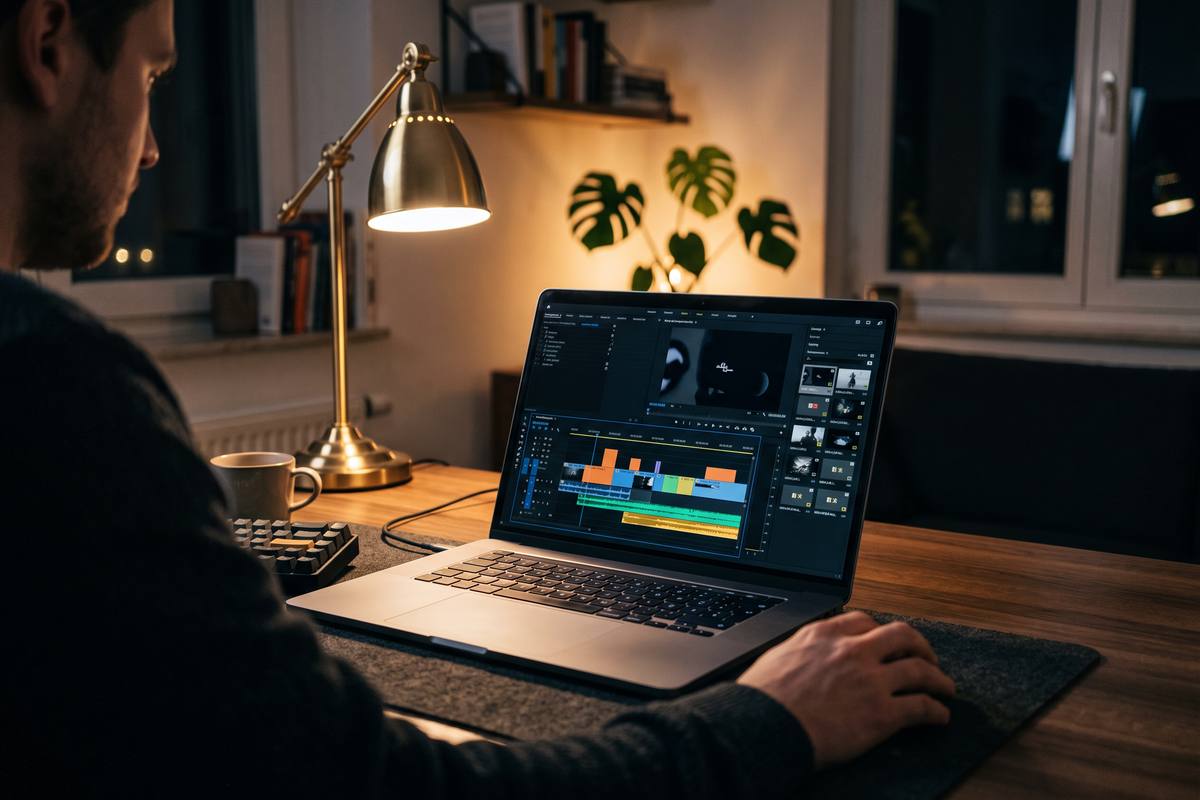
Editors need options. For each beat, plan at least two framings of the same action: a wide that establishes the space and a detail that makes the moment physical. If the beat involves the person speaking, add a framing without them in it so the voice can continue over other material.
Add one clean plate per location. It takes thirty seconds on set and it gives the editor somewhere to place captions, logos or a cut when a take goes wrong.
Using the list on the day
Order the shoot by location and light rather than by beat. Group every shot that shares a setup, then check the list a second time against the sun or your key light: anything that depends on a specific quality of light should be scheduled inside the window that provides it.
Tick shots off as you film, and write down what changed. The note about the version you actually got is worth more in the edit than the plan you could not follow.
Key takeaways
- Write the one-line promise first, then four to six beats.
- Keep the list to six columns and one page.
- Plan a wide and a detail for every beat so the edit has options.
- Shoot in the order of light and location, not the order of the script.
ShotCraft Studio editorial teamWritten by the production team that plans and shoots client video, and reviewed by the editors who cut the footage afterwards.
How many shots fit in thirty seconds?
Between eight and fourteen shots is comfortable. Fewer than eight usually feels rushed; more than fourteen turns the sequence into a montage the viewer cannot follow.
Should the shot list include audio?
Yes, as notes. Mark where a line of dialogue, an ambient sound or a music change should happen. Audio planning on paper prevents silent gaps on location.
What if I cannot film a planned shot?
Film the backup you planned for that beat, then note the gap. A missing shot is far easier to fix in the edit than an entire scene that does not connect.